
Ricerca nei post
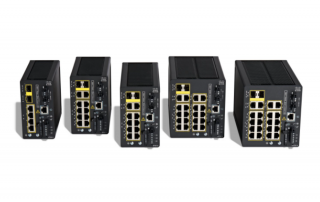
Cisco - Catalyst firmware update
Aggiornamento firmware da scheda SD install remove inactive write memory install add file sdflash:ie31xx-universalk9.17.18.02.SPA.bin activate commit prompt-level none install activate install commit install remove inactive Rimuove le vecchie immagini firmware non più utilizzate per liberare spazio. install add file sdflash:ie31xx-universalk9.17.18.02.SPA.bin activate commit prompt-level none Copia l’immagine dalla SD nello storage interno, la imposta come attiva e la prepara al commit senza richiedere conferme interattive. install activate Attiva la nuova immagine installata. install commit Rende permanente il nuovo firmware dopo l’attivazione. Aggiornamento firmware da server FTP install remove inactive write memory install add file ftp://admin:[email protected]/ie31xx-universalk9.17.18.02.SPA.bin activate commit prompt-level none [...]
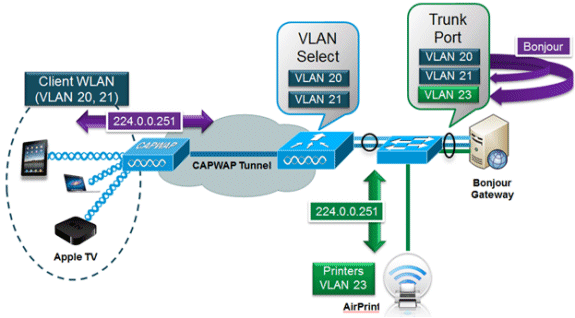
Bonjour Gateway - Routing multicast tra VLAN
Se avete la necessità di utilizzare stampanti, schermi, proiettori o altri dispositivi con protocollo Bonjour su reti differenti (esempio pratico: Iphone su rete 192.168.10.0 e stampante su rete 192.168.50.0) avete bisogno di un Bonjour gateway, ovvero un dispositivo che consenta il routing del traffico multicast bonjour. In questa guida installeremo una VM Ubuntu server dedicata. Scarica Ubuntu Server http://www.ubuntu.com/download/server/download Installa la VM (1GB di RAM e 20GB di spazio su disco sono più che sufficienti) Collega le interfacce di rete (virtuali o fisiche) Apri un terminal ed installa avahi con il seguente comando sudo apt-get install avahi-daemon avahi-utils vlan Apri e [...]
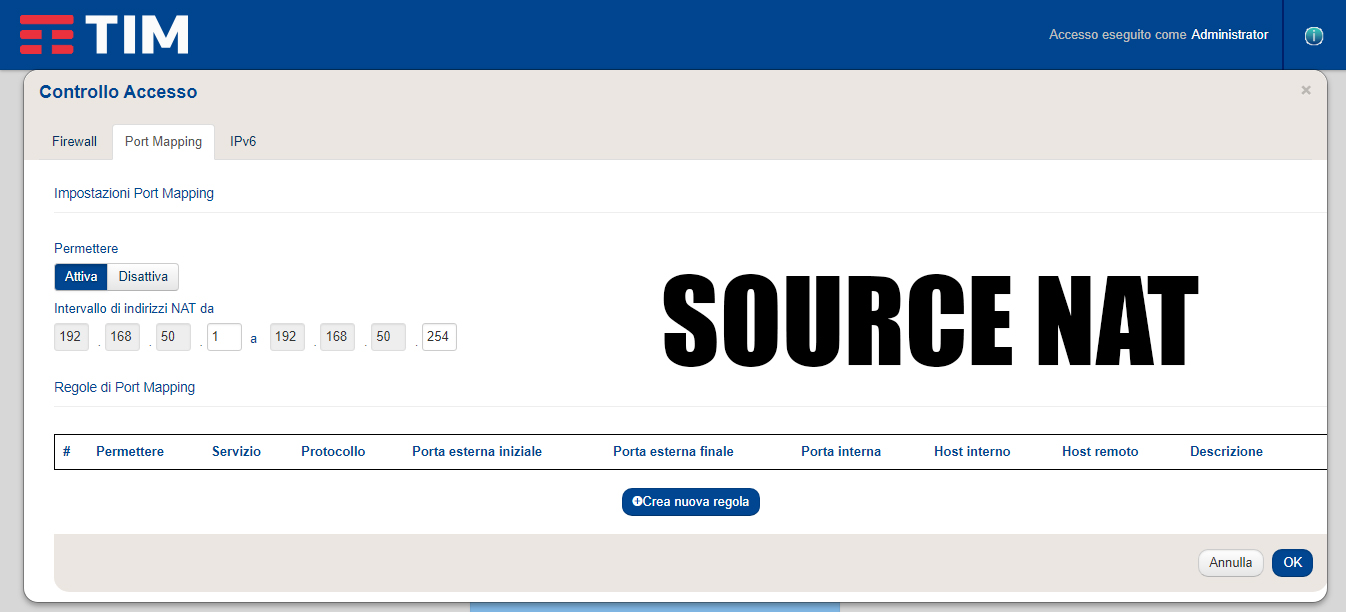
IP Statico nessun accesso ad internet (Modem TIM)
Spesso capita con determinati modem Telecom che alcuni PC con IP statico non navighino in internet, il problema è che il modem applica la NAT in uscita solo agli IP nel range del DHCP di default. Per risolvere il problema, cliccare sul pulsante "Controllo Accesso" > "Port Mapping" ed estendere "intervallo indirizzi NAT" a tutta la subnet. Applicare le modifiche con OK ed uscire.

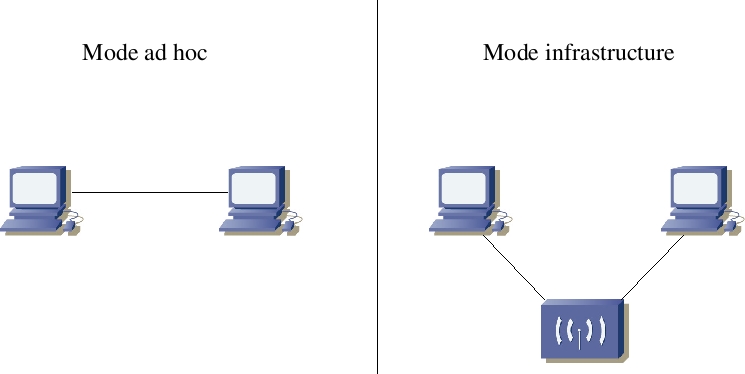
Ad-Hoc Wireless
How to connect to an Ad-Hoc SSID Ad-Hoc Replace with the SSID of your network by using Ctrl-F and finding and replacing each instance. You can then copy and paste each line into the command line window >netsh wlan show networks ***Go to "Network and Sharing Center" - Click "Set up a new connection or network" - Double click "Manually connect to a wireless network" - Enter the SSID of the adhoc network (as shown by "netsh wlan show networks") into the "Network name" field - Configure security settings accordingly - Uncheck "Start this connection automatically" (important) - Click "Next", [...]
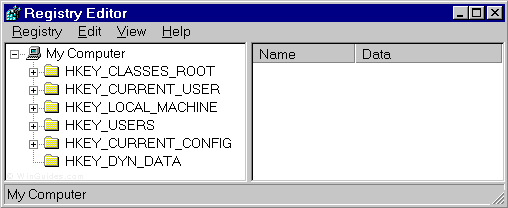
TCP-IP settings from Regedit
1. Run Regedit 2. Click on HKEY_LOCAL_MACHINE 3. Click on File, Load Hive 4. Browse to %SystemRoot%\System32\Config of the attached drive 5. Open System.dat 6. Browse to HKEY_LOCAL_MACHINE\SYSTEM\ControlSet001\Services\Tcpip\Parameters\Interfaces 7. There may be several interfaces listed. Just start clicking, and you'll find the correct interface. The IP address, as well as any other static network information (subnet mask, default gateway, etc), will be there.